A joint bank account is a great solution for sharing your finances with your partner-in-finance. This could be a spouse, partner, roommate, friend or family member. Anyone you’d like to share financial goals with.
At Ubank, our joint accounts are called Shared accounts. They only take a few minutes to set up and are an easy way to combine your finances with someone.
What types of joint accounts can you get?
Ubank offers three types of joint accounts that you can access.
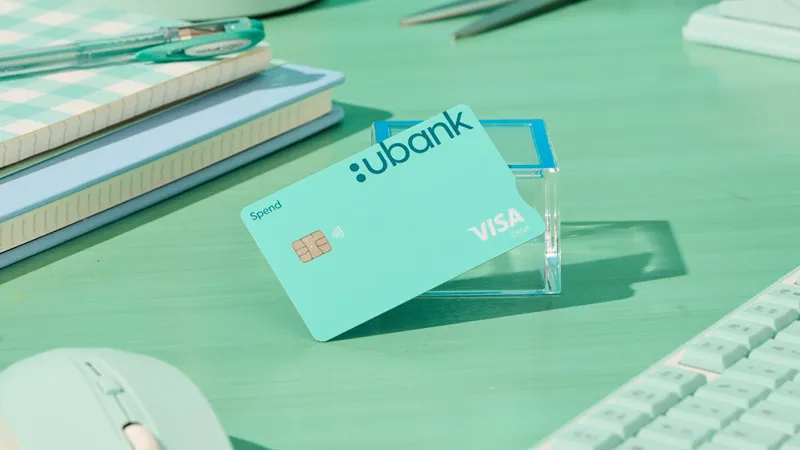
- Shared Spend accounts – This transaction account is the perfect place for both of you to tap into your combined spending money. It comes with all the standard account and BSB numbers, plus no ongoing account fees, and a digital and physical light teal Visa debit card for a range of payment options.
- Shared Save accounts – A savings account purpose-built account for stashing the cash you’re saving together. By depositing into this account, you could also be eligible for great interest if you meet the bonus interest criteria for that month. It doesn’t come with a card, but it does come equipped with a shared account and BSB number and links to your other accounts in the app for easy depositing.
- Shared Bills accounts – This is your account for tag teaming those everyday expenses you come across. It comes with its own account and BSB number, plus individual digital-only Visa debit cards that you can each keep in your digital wallets for sorting out your combined bills with a tap.
How does a joint account work?
A joint account is an account that is shared between two people. At Ubank these are called Shared accounts.
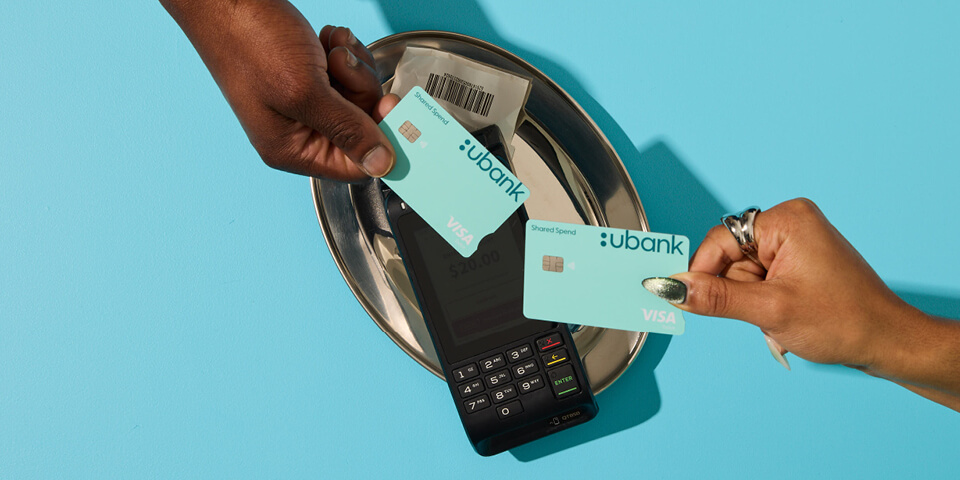
Joint accounts at Ubank have the same BSB and account number for both users. For accounts with a Visa debit card, each account holder has their own individual card numbers for each account holder. The main advantage of a joint account is that both users can spend from, and put money into, the same account simultaneously.
How do I open a joint account?
- Select ‘Add Shared account’
- Choose from Spend, Save or Bills options
- Complete account setup and invite your partner-in-finance to join
- Start spending when you’ve both verified your details
When would I want a joint account?
Joint accounts can be great in a number of scenarios if you share financial responsibilities with someone else, like a partner or a housemate. Ubank Shared accounts make it easy to keep tabs on your spending and share responsibility for your goals.
Your joint accounts can be used for things like a shared savings goal, to split everyday expenses like household groceries, or to track direct debits that you both contribute to like rent and utilities bills. The switch from constantly transferring money between different banks and accounts, to doing money under one roof (or app) with a joint account can be a game changer.
What are some examples of how people use joint accounts?
Joint accounts are a simplified way of pooling and spending your money. Some examples of how you could use a joint account are:
- Using a Shared Save account jointly to save for big expenses like a holiday or house deposit. This is also a great way to share the responsibility for your bonus interest criteria each month.
- Housemates could use a Shared Bills account to help balance and manage expenses in a share house. Plus, managing money this way can help you get a clearer picture of the flow of bills in and out of the household and understand the running costs when sharing a rental property.
- Parents could use a Shared Spend account to give their children aged 16 years and older access to limited spending money.
What do you get with a joint account at Ubank?
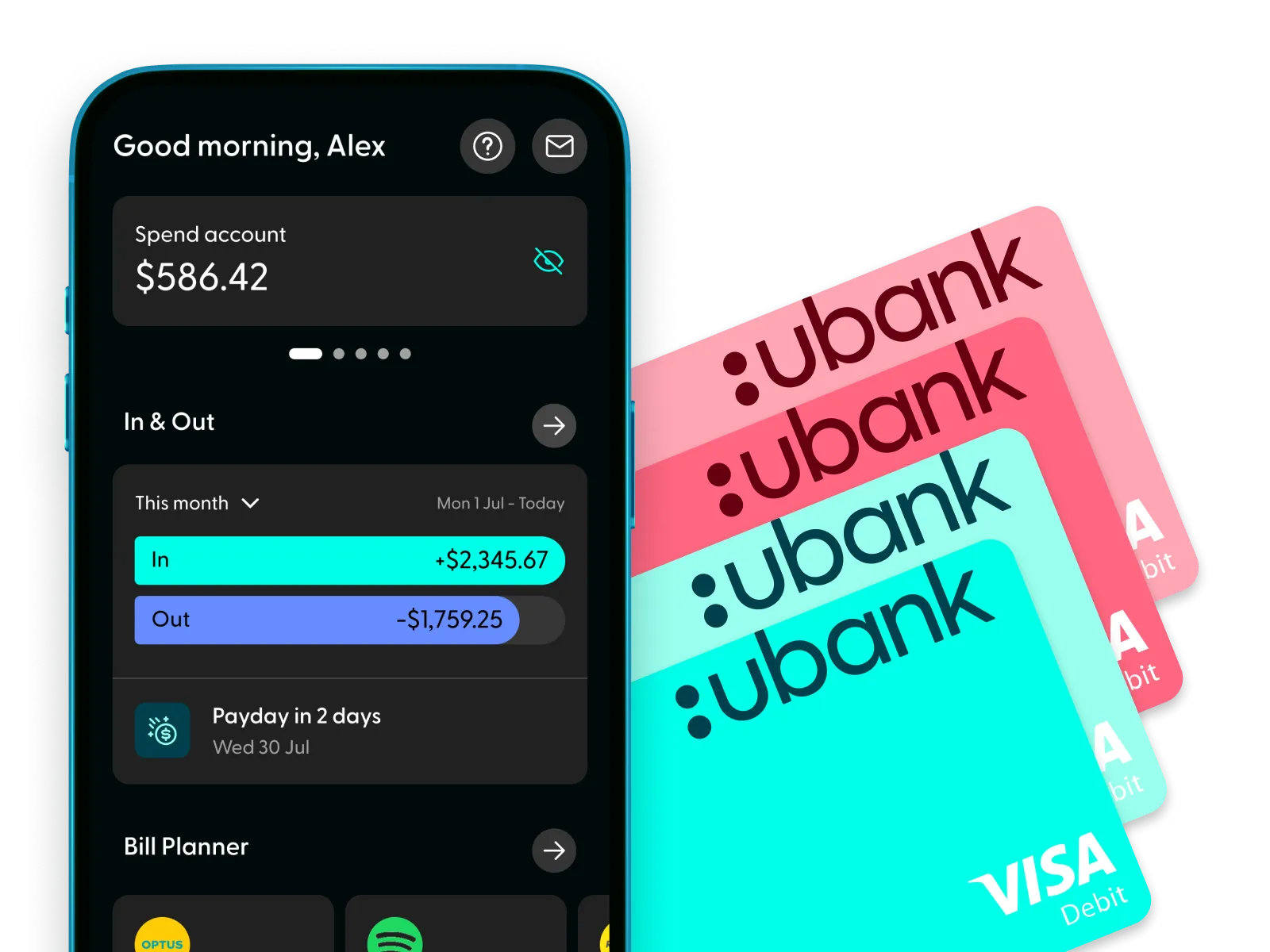
You’ll get an account that offers shared and equal access to funds. Both account holders will be able to view the account in the app, spend from it (excluding Save accounts), and transfer money into and out of the account. All Ubank Shared accounts come with their own BSB and account number.
There are risks associated with holding joint accounts, as they offer full access to whoever is named on the account. It’s important to consider whether a Ubank Shared account is right for your needs and only open a joint account with someone you trust.
How to set up a joint account at Ubank?
Setting up a joint account with Ubank can all be done online or in the app. It only takes a few minutes to start sharing your finances across any of the Shared Spend, Save or Bills accounts.
- Current Users
If you’re both already with Ubank it takes mere minutes to activate a joint account. Simply open the app, head to the ‘Accounts’ screen, scroll to the bottom and click on ‘Get a new account’ then choose which Shared account you’d like to activate. Follow the set-up steps and fill out the required info, and when you’re done you’ll be prompted to send an invite to your partner-in-finance, to bring your new account to life. - New Users
If you’re new to Ubank, the first step for you both is to head to App store or Google Play store and download the app. Next, you’ll both need to sign up to Ubank, which will open your default Spend, Save and Bills accounts (don’t worry, there are no fees). Then you’ll be able to add a Shared account using the steps above and start sharing finances together.
What are some pros and cons of using a joint account?
Joint accounts are a great way to share your financial goals with someone else, but it’s worth noting a few upsides and downsides to splitting your money like this:
Pros
- It’s an easier way to manage your shared expenses
- It makes budgeting between two people much more transparent
- There’s no swapping cards or re-transferring funds. You both have access to the account
- The balance of Shared Save accounts can help you to meet bonus interest criteria
Cons
- Having a joint account requires joining your finances with someone you can trust
- Both account holders have full access to the money in the account, which can sometimes lead to disputes
- The balance of Shared Save accounts can affect your ability to meet bonus interest criteria
Check out our FAQ on Joint account.
Read our General Terms and Fees and Limits.
Apple, the Apple logo and iPhone are trademarks of Apple Inc., registered in the U.S. and other countries. App Store is a service mark of Apple Inc.
Samsung and Samsung Pay are trademarks or registered trademarks of Samsung Electronics Co.
Google Play is a trademark of Google LLC.
BPAY® and Osko® are registered trademarks of BPAY Pty Ltd ABN 69 079 137 518.