Applications only available online - it's fast and simple

Automatic Savings Plan (ASP)

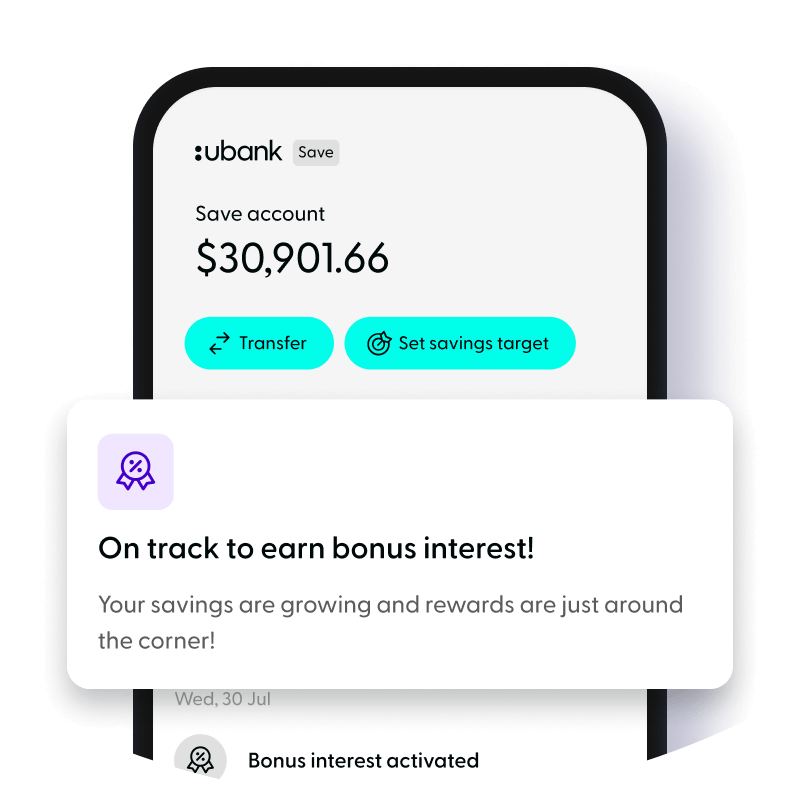
USaver high interest savings account - Savings Bonus With USaver, you can take the hard work out of saving by setting up an Automatic Savings Plan (ASP). The best part is, if you meet the criteria below we'll give you a Savings Bonus on top of the current rate. USaver is the high interest savings account that rewards you.

How do I qualify for the Savings Bonus?
To be eligible for the Savings Bonus you'll need to have a single or joint USaver savings account with:

  • an ASP or ASP(s) depositing a total value of $200 or more per month per customer (across all accounts including joint savings accounts)
  • a total USaver account balance of less than $200,000 per customer (this balance includes all USaver joint savings accounts)

The Savings Bonus accrues the month after setting up an ASP
For example, if you set up your plan during January, you will begin to earn your Bonus Interest from the 1st of February. The Bonus Interest you earn in February will show in your account on the 1st of March.

How to set up an ASP
To set up an ASP, you'll first need to link your USaver savings account with the account you'd like to draw funds from. To do this log in at ubank.com.au and select 'Manage my account', from there, select 'Linked accounts' from the 'Accounts' menu, and follow the prompts.

To verify your linked account you'll need to log in at ubank.com.au and enter the Authentication Number. You'll find an Authentication Number (located within the asterisk) in your linked bank account transaction description field.

And here is a step-by-step explanation of how to add your linked account and complete your Automatic Savings Plan set up. Next steps.

You've been sent a new micro-payment ($0.01) to your linked bank account. All you have to do now is:

  • Retrieve the Authentication Number. This number is appended to the micro-payment we sent to your linked bank account.
  • Log in at ubank.com.au.
  • Once you're logged in, select 'Linked Accounts' from the 'Accounts' menu. Then click on the 'Pending' link, enter the Authentication Number and hit 'enter'.
  • Now all you need to do is click on the 'Add Savings Plan' button and set up your Automatic Savings Plan.

To change your ASP amount (if your ASP deposit balance is less than $200 per month), all you need to do is log in at ubank.com.au select 'Manage my accounts' and choose 'Automatic Savings Plan' from the 'Payments' menu. Then, choose 'View Details', select 'Cancel Plan' and set up a new ASP with your new amount and/or frequency. It's easy to do because your linked account is already set up.

For more information on the ASP or if you need help, please visit UBank ASP FAQs section.